Hello to you.
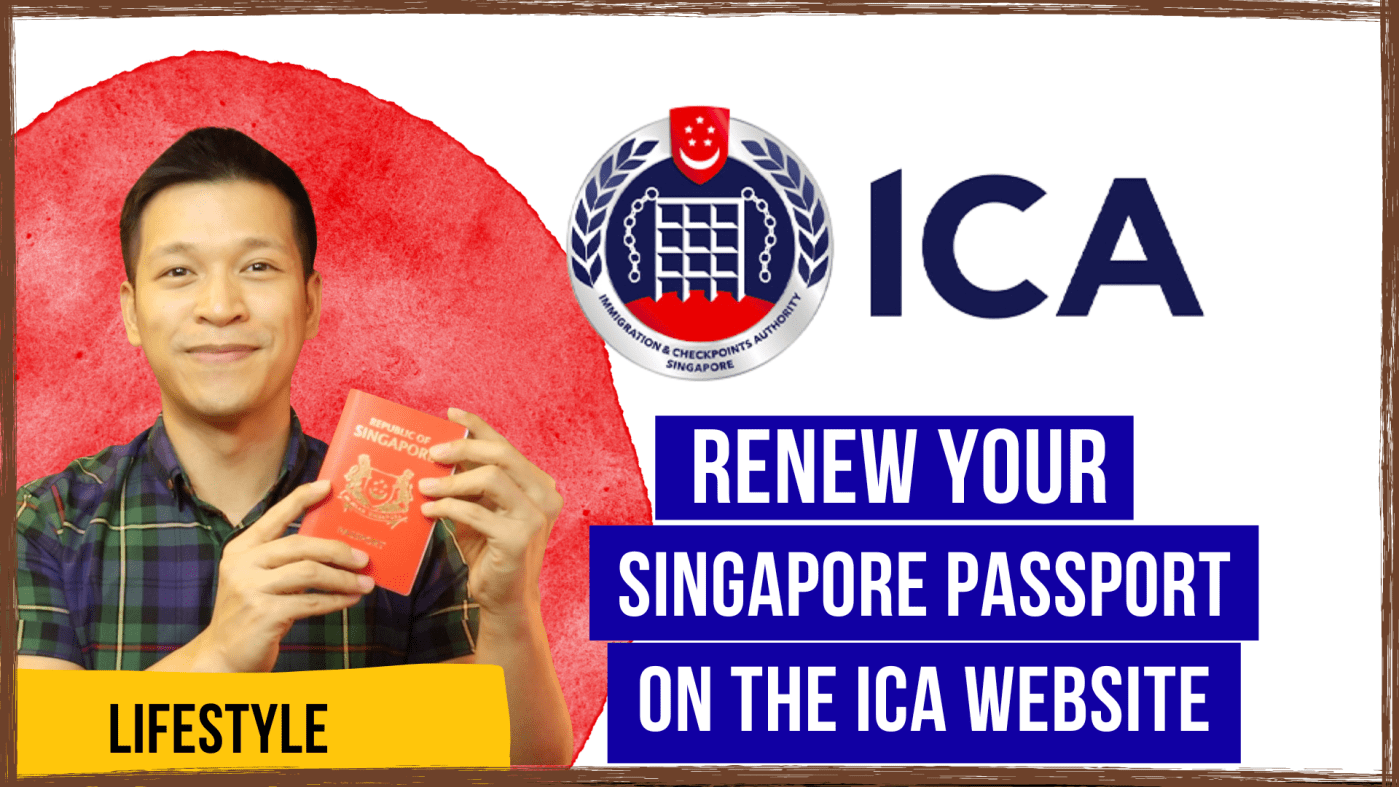
In this blog post, I’m going to guide you on how to renew your Singapore Passport in Singapore on the Immigrations and Checkpoints Authority (ICA) website.
We’ll break it down to three parts.
Firstly is how to apply for a renewal of your Passport.
Secondly, how you can book the appointment to collect your passport.
Finally, I’m going to teach you how you can rebook your appointment if the appointment you initially booked doesn’t suit your schedule anymore.
Applying for the Renewal of your Singapore Passport.
1. Log on to www.ica.gov.sg.
2. At the top right hand corner of the page, click MyICA.
3. Log in using your Singpass.
4. Scan the QR code that is generated.
5. At the welcome page, click “Apply for Passport.”
6. Select your name or select “Apply for someone else” if you intend to do so.
7. Select your reason for renewing your passport, by default it’s set at “Passport is expiring in 9 months.”
8. Take note of the guidelines when taking a photo then make a passport photo at exactly 400x514pixels.
9. Upload your Photo.
10. Fill in your particulars.
11. Scroll all the way down and click Next.
You’ll be asked to review your passport information and even be given a preview of how your passport’s ID page would eventually look like.
12. Just check that each information in it is correct.
13. Check that your email and mobile number are correct so you’ll be contacted through these channels accordingly.
14. Declare that they’re all correct and proceed to make payment.
At the time I renewed my passport, it cost $70.00.
15. Click Proceed to Payment.
16. You may select several modes of payment. I’ll click eNETS debit/credit card.
17. Fill up the corresponding details of your credit card.
18. Click Submit.
19. Enter your One Time Password.
20. A pop up will appear but if it gets blocked, just click on “here” with the blue background followed by “to see your receipt” within 30 seconds.
21. Print or download the receipt that popped up for your reference.
22. Proceed further to the acknowledgement page. Save or take a picture of this as it contains a reference number and an advise when you may be able to collect your passport.
23. Wait for an email confirmation within a week.
Booking an Appointment to Collect Your Passport.
1. Within a week (3 days in my case), you should have received an email containing further action.
2. It will state that you have to:
a. Appear and collect your passport personally.
b. Bring with you your NRIC (or the electronic NRIC) and the old passport.
c. Refrain from wearing colored, patterned or cosmetic contact lenses to enrol your Iris images.
3. Click the link https://eservices.ica.gov.sg/book
4. Click on the drop-down list and select, “Collection of Passport.”
5. Enter your NRIC.
6. Enter your reference number (You can retrieve this from the email sent to you.)
7. Select, “For Self” if you’re collecting your own passport.
8. Select your location.
8. Book the date you wish to collect (Dates in gray is already booked up, you may only choose the green ones). Click Submit.
9. Select the time slot you wish to collect (blocks of gray means it’s already booked up, choose only the green ones). Click Submit.
10. Print/Save this Acknowledgement page.
11. Turn up at the appointment date and time.
Scroll further down the page to know more about what happens when you collect the passport 😉
Please take note that if you wish to make any changes, do so 3 days before the appointment date otherwise the system wouldn’t already allow you to do so.
Rebooking The Appointment to Collect Your Passport.
1. Log on to the ICA website once more.
2. On the top right hand corner, click MyICA.
3. Log in with your Singpass.
4. Click on the Notifications which states your appointment date.
5. Click on the link,”Change or cancel the appointment.
6. You may choose an alternative site for collection.
7. Choose your collection date.
8. Choose your collection time.
9. Print/Save the new Acknowledgement page for your reference.
10. Turn up at the stipulated date and time of collection.
What happens at the Collection Point?
Upon presenting the necessary documents, the officer in the post office will:
1. Issue your new Passport.
2. Ask you to verify all details to be correct.
3. Ask you to look into the machine which will scan your iris (I was advised not to smile but I did so it took multiple attempts).
4. Get you to sign your new passport in front of them.
5. Punch holes to your previous one to render it invalid.
I got my passport in 10 days from the moment I applied for a renewal until I collected it.
It’s that quick and easy!
If you prefer to have an audio-visual presentation about the above processes, please watch the video linked down below.
Thank you guys and please help motivate me by giving my work a thumbs up and consider subscribing to my YouTube channel. If you do have any questions, feel free to message me in the comments section (I respond better on YouTube).
 Gio Gomez
Leave a comment